Support
MeshForge is a Mac app that repairs 3D models for printing and designs parts that fit around other objects.
Want something to test with? Download our sample models: Sample knob (STL) · Sample needing repair (STL) · Sample box (OBJ). These files stay available permanently.
Download MeshForge 3D on the Mac App Store ($4.99).
CONTACT
Email vidbeo@gmail.com and I’ll get back to you as soon as I can. Please include your macOS version and, if possible, the model file that’s giving you trouble.
FREQUENTLY ASKED QUESTIONS
What file types does MeshForge open?
STL (binary and ASCII) and OBJ. It exports binary STL, which every slicer accepts.
My model says “not print-ready” — what do I do?
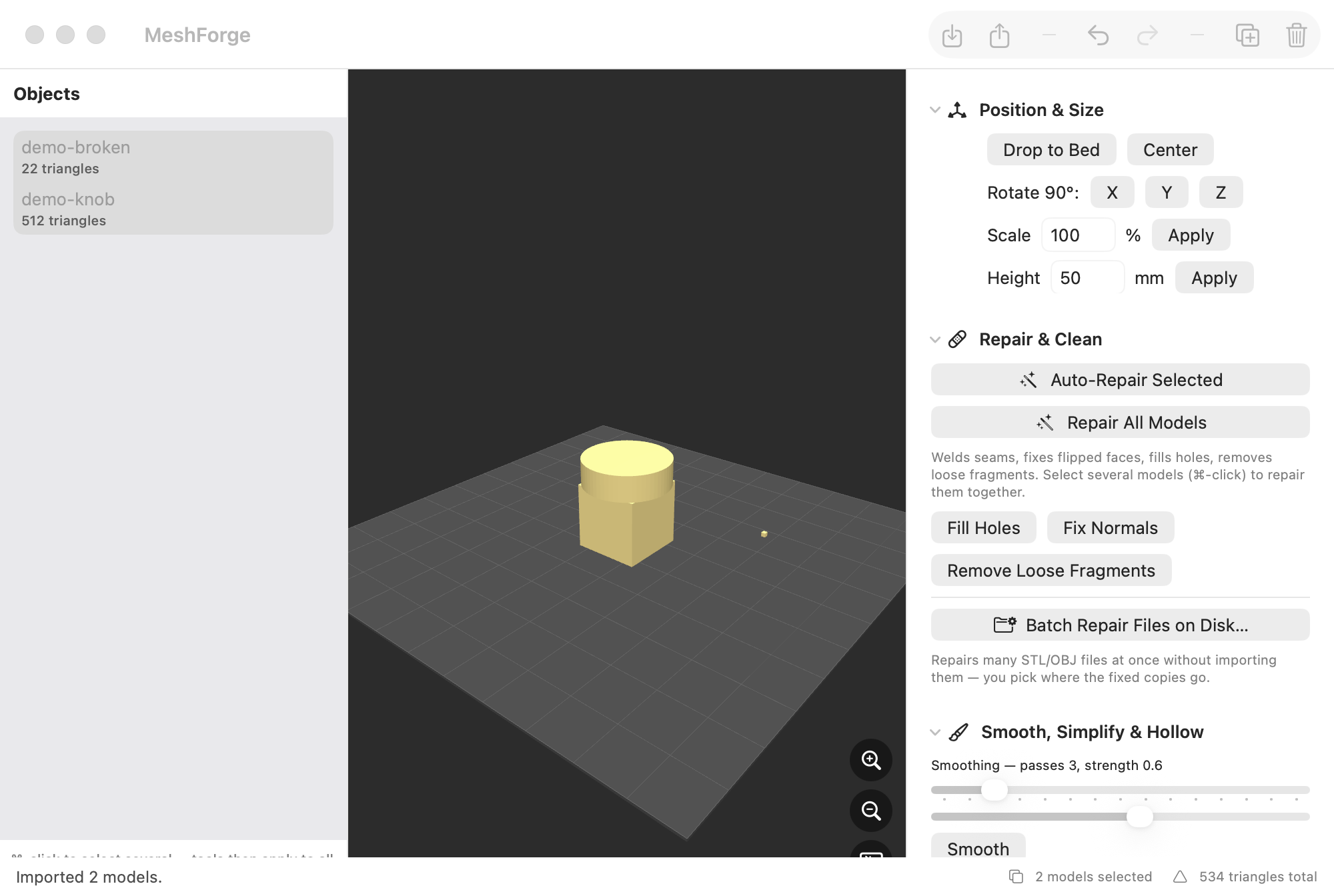
Click Auto-Repair Selected (or press Shift-Cmd-R). It welds seams, closes holes, fixes flipped faces, and removes loose fragments in one step. The status bar shows “Watertight” when the model is ready.
Can I repair many files at once?
Yes — use File > Batch Repair Files on Disk (Shift-Cmd-B). Pick the files, pick where the repaired copies should go, and MeshForge does the rest. Your original files are never modified.
How do I make a case or tray that fits an object?
Import the model, select it, open “Design a Fitted Part”, choose box / sleeve / tray, and click Build Fitted Part. A clearance of 0.4 mm is a good starting point for FDM printers.
Does hollowing work on every model?
Hollowing works best on smooth, rounded shapes. On models with sharp corners the walls can end up thinner than you asked for — run Check Thickness afterwards to be sure.
Where is my data stored?
Nowhere but your Mac. MeshForge has no internet connection, no account, and collects no data.
NEW IN VERSION 1.1
Combine models into one with Cmd-J, break a combined model apart with Separate into Shells (Option-Cmd-J), or let Auto-Split at Feature (Shift-Cmd-J) find where a protruding shape meets the body and cut there — two clean, printable parts.
Give each model its own color or drape a PNG/JPEG image over it from the Color & Texture panel (it wraps automatically — no unwrapping needed). Export with File > Export as OBJ to keep the look; STL files store shape only.
And a smoother camera: drag to orbit, Shift-drag to slide, scroll to zoom, double-click to frame your models. The horizon always stays level.