db's Route Reminder — Help Guide
Remember things where they matter.
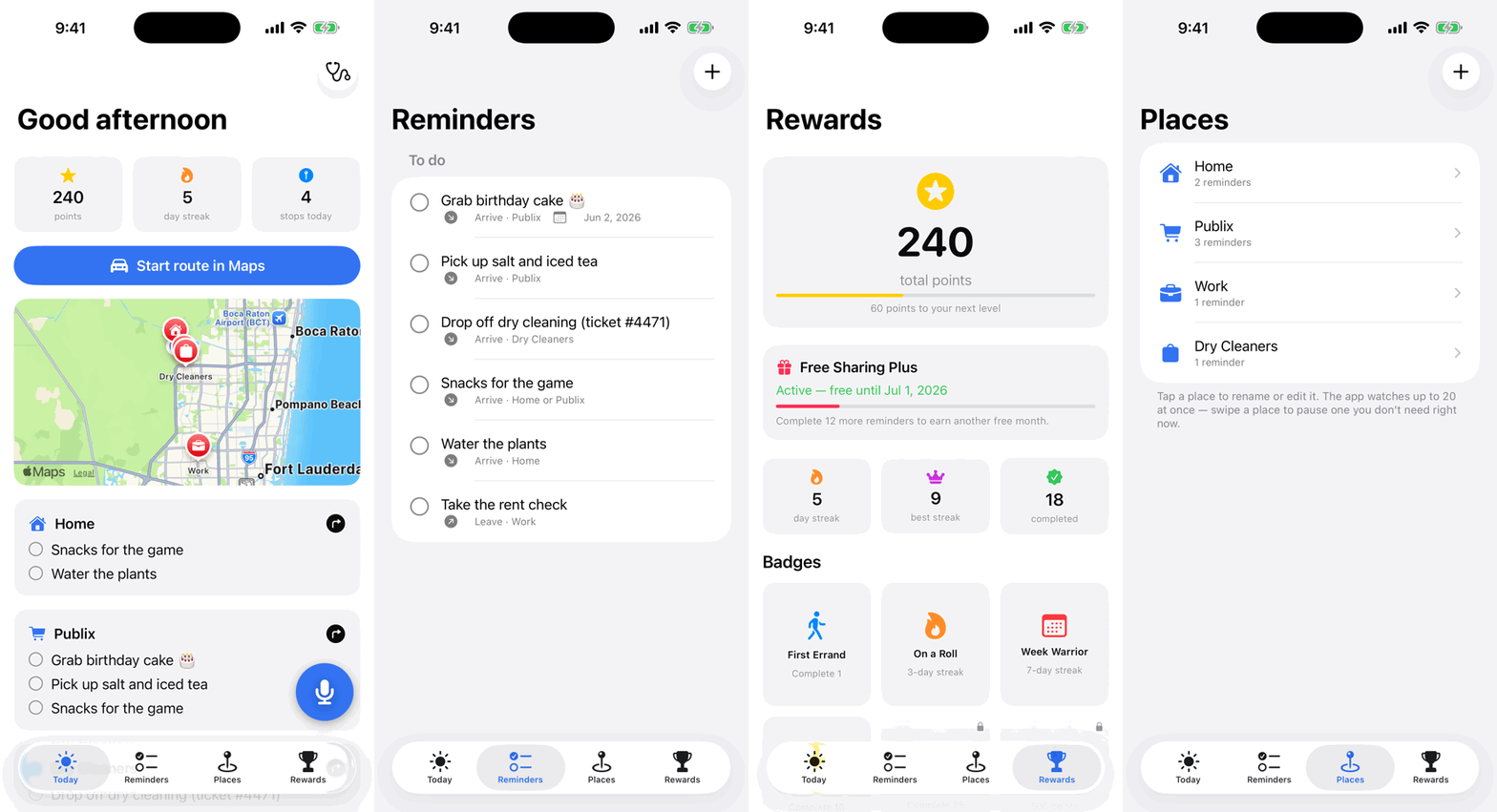
db's Route Reminder is an iPhone, iPad, and Apple Watch app that reminds you of things when you arrive at the places they belong to. Drop off the dry cleaning when you're actually near the cleaners; grab the snacks when you reach the store — or home, whichever comes first.
Getting set up
1. Allow notifications and location. The app asks when you first run it. Location permission is what lets your iPhone notice you've arrived somewhere — choose the option that allows location access even when the app isn't open, or reminders can't fire while your phone is in your pocket.
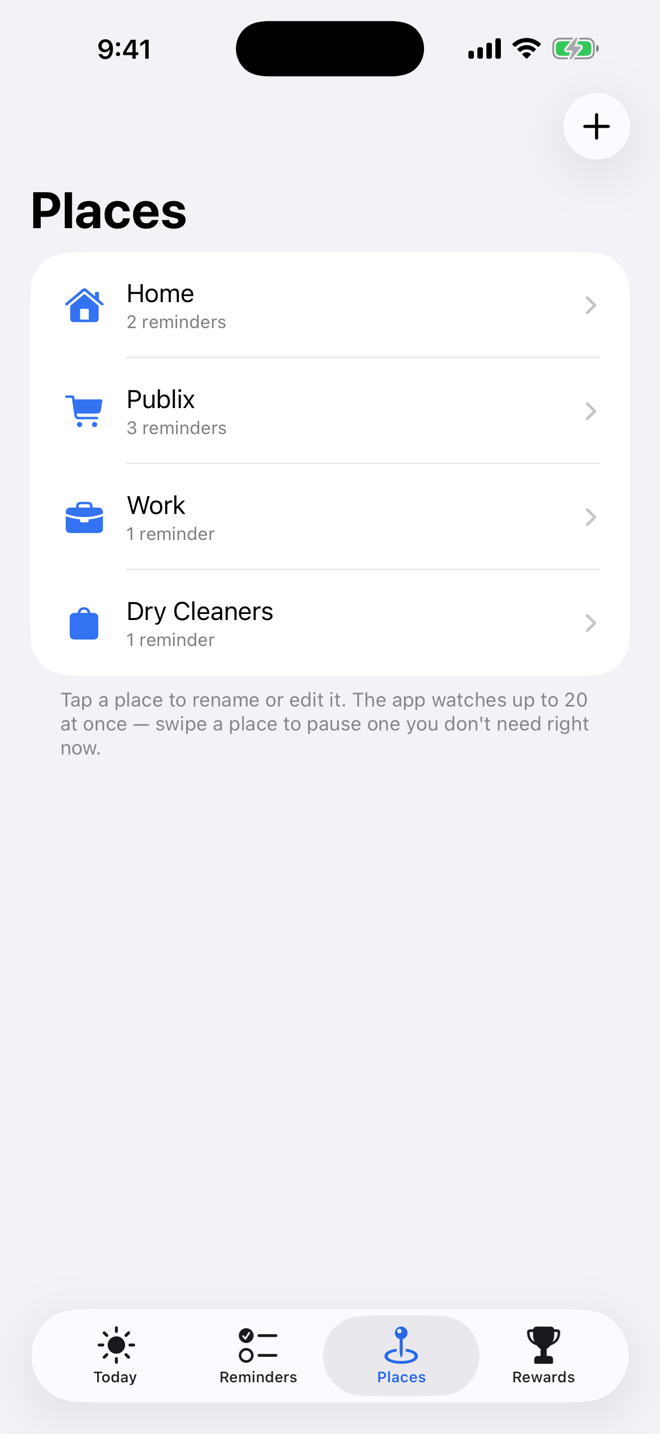
2. Save your places. On the Places tab, add the spots your life orbits: home, work, school, the grocery store. Each place has a type, a radius (how close counts as "arriving"), and a switch to pause it when you don't want alerts there.
3. Add your first reminder. Two ways: Quick Add — the big microphone button on the Today tab, built for one hand: speak your reminder, then choose where it should fire by tapping the map to drop a pin or picking from your saved places. Or the Reminders tab: type a reminder and check off the place (or places) it belongs to.
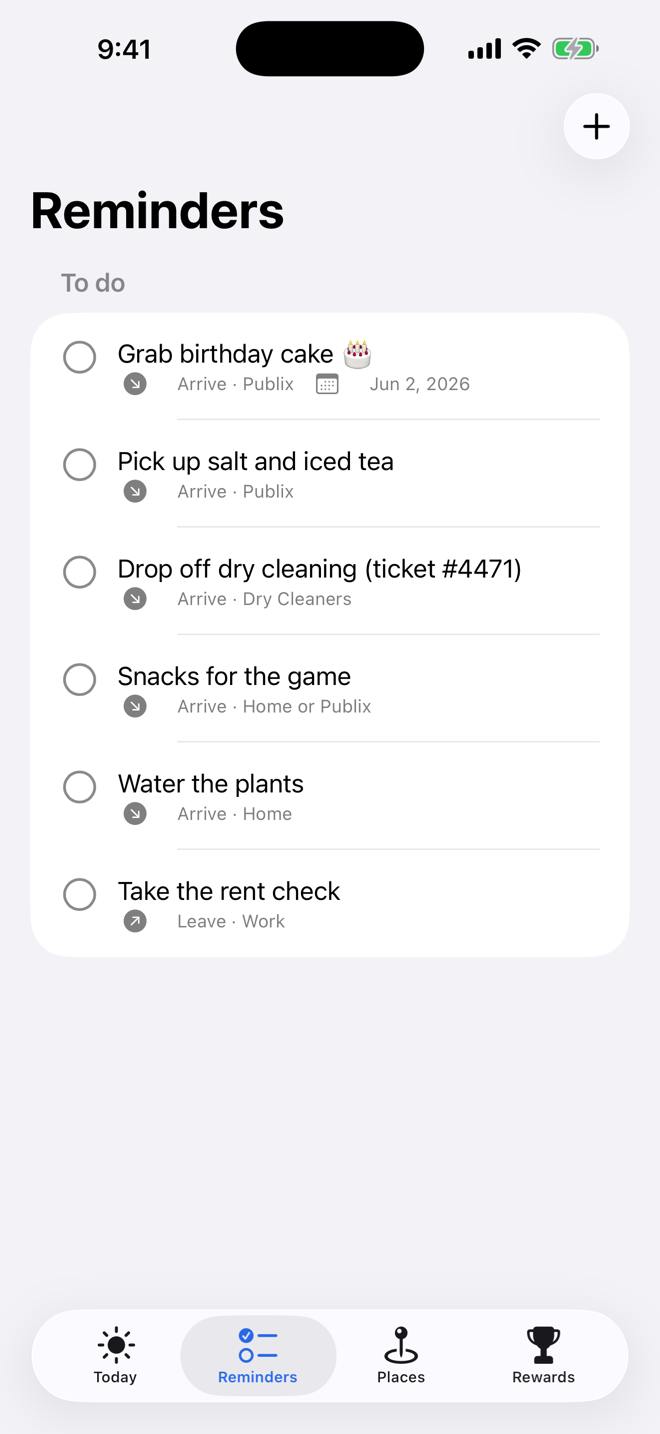
Reminders that fire at whichever place comes first
A reminder can be attached to more than one place. "Pick up snacks" can watch both Home and the Grocery Store — you get reminded at whichever you reach first. On your lists it reads naturally: Home or Grocery Store.
When a reminder fires
Arriving at a place pops a notification for each open reminder there. Press and hold the notification for quick actions: Mark done checks it off without opening the app. Remind at my next stop (multi-place reminders) skips it here but keeps watching your other places. Snooze 1 hour (single-place reminders) asks again later. Changed your mind? Swipe a reminder in the list to reset its alerts.
Your morning route
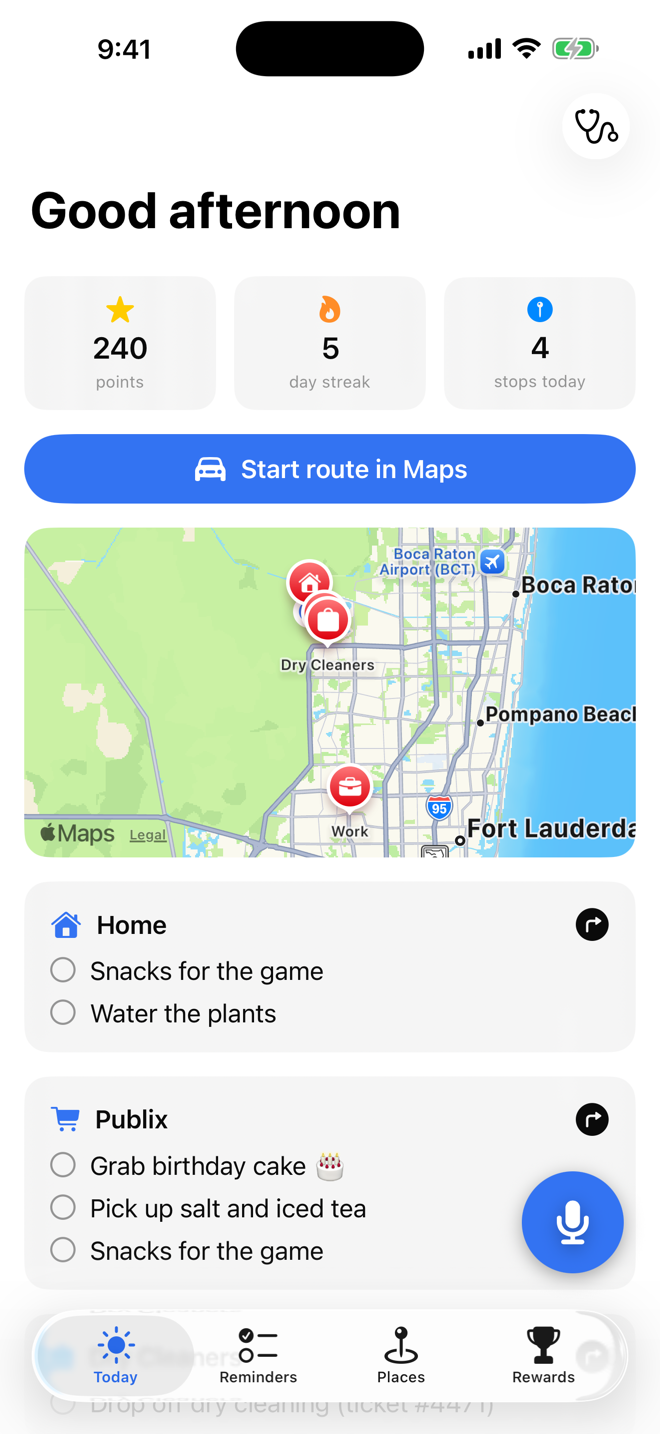
The Today tab gathers everything on your plate and orders your stops sensibly. When you're ready to roll, hand the route to Apple Maps and drive it.
Rewards
Checking things off earns points, keeps your streak alive, and unlocks badges on the Rewards tab. It's a small thing — until the streak is long enough that you refuse to break it.
Apple Watch
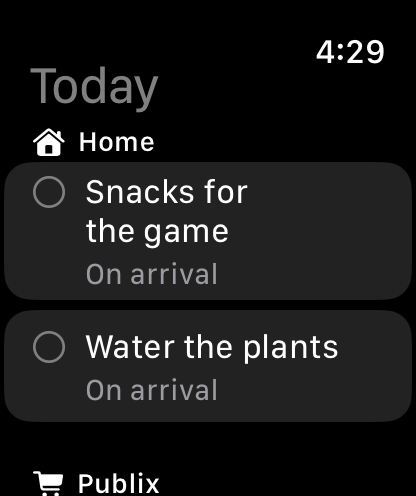
The Watch app shows your open reminders at a glance, and the watch-face complication displays how many are waiting — so a raised wrist tells you whether you're free and clear. Requires watchOS 11 or later. Your reminders stay in sync across iPhone, iPad, and Watch through your own iCloud account.
En español
db's Route Reminder habla español — the entire app, including the Watch app, follows your device language.
Troubleshooting
Reminders don't fire when I arrive. Check Settings, Privacy & Security, Location Services, Route Reminder — it needs location access that works in the background ("Always" gives the most reliable arrival detection). Also make sure notifications are allowed, and that the place isn't paused.
Arrival feels late or early. Adjust the place's radius on the Places tab — a bigger radius fires sooner but less precisely. GPS accuracy varies indoors and in dense areas; arrival detection is powered by Apple's geofencing, which balances accuracy against battery.
Is there a limit on places? iOS lets an app actively watch up to 20 regions at once. If you save more places than that, pause the ones you don't currently need.
The mic button asks for permissions. Voice capture uses Apple's on-device speech recognition — the microphone and speech permissions only power that dictation, and what you say never goes to us (we don't have a server to send it to).
The Watch app doesn't appear on my watch. It requires watchOS 11 or later. On older watches, the iPhone app still does everything.
Something else? Email vidbeo@gmail.com.
Privacy
Route Reminder collects nothing. Your places, reminders, and streaks live on your devices (and in your own iCloud for syncing). Location is used on-device to detect arrivals; it is never sent to us. Full policy: thebrownings.net/privacy-policy.